Open-source terminal-first DAW
ImbolcStudio
A complete audio workstation in your terminal.
Write beats, layer synthesizers, shape sounds with effects, mix tracks, record finished songs, annoy your neighbors, all from the comfort of your terminal.
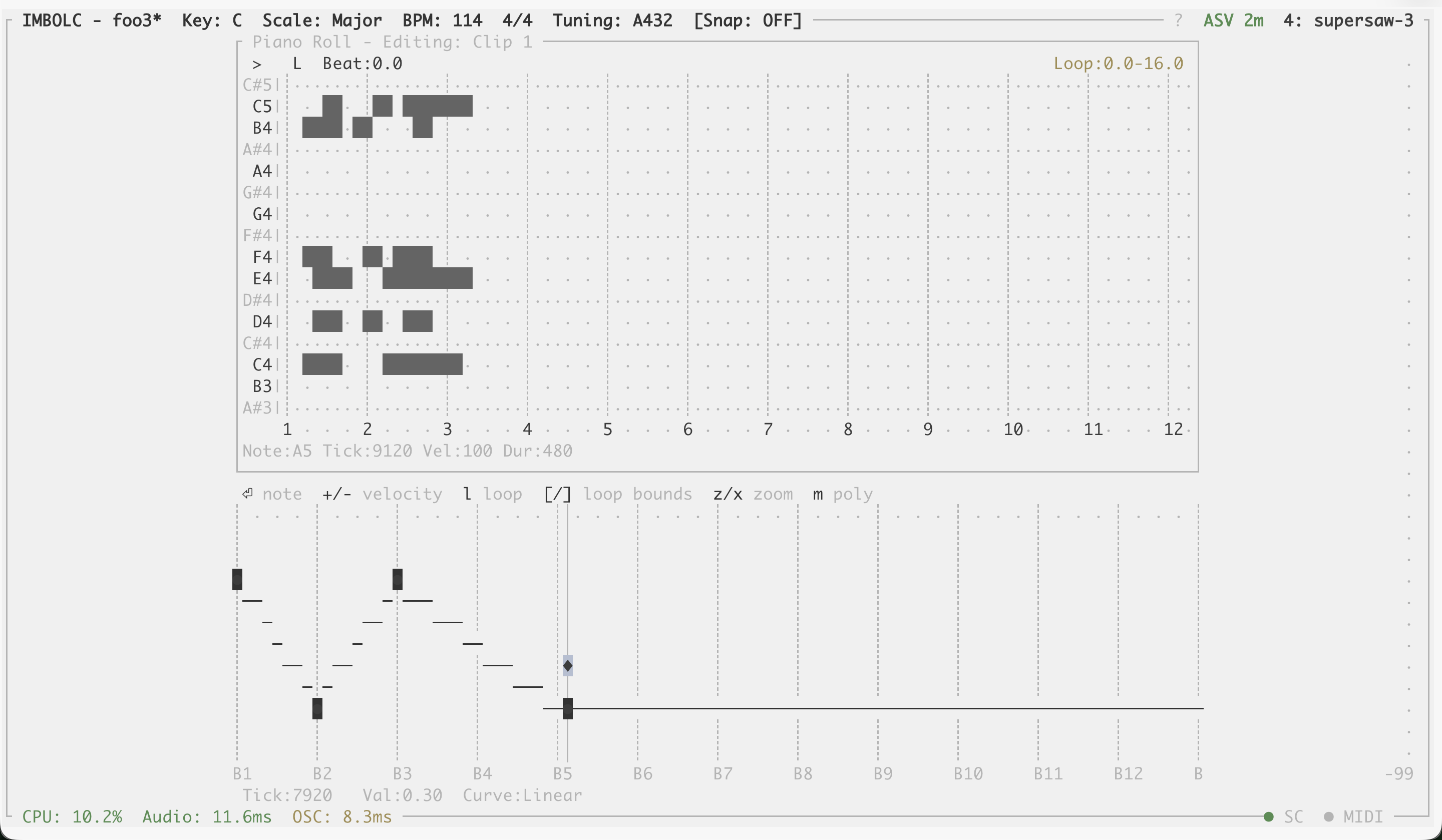
Real production session running in the terminal.
Features
Sound Design
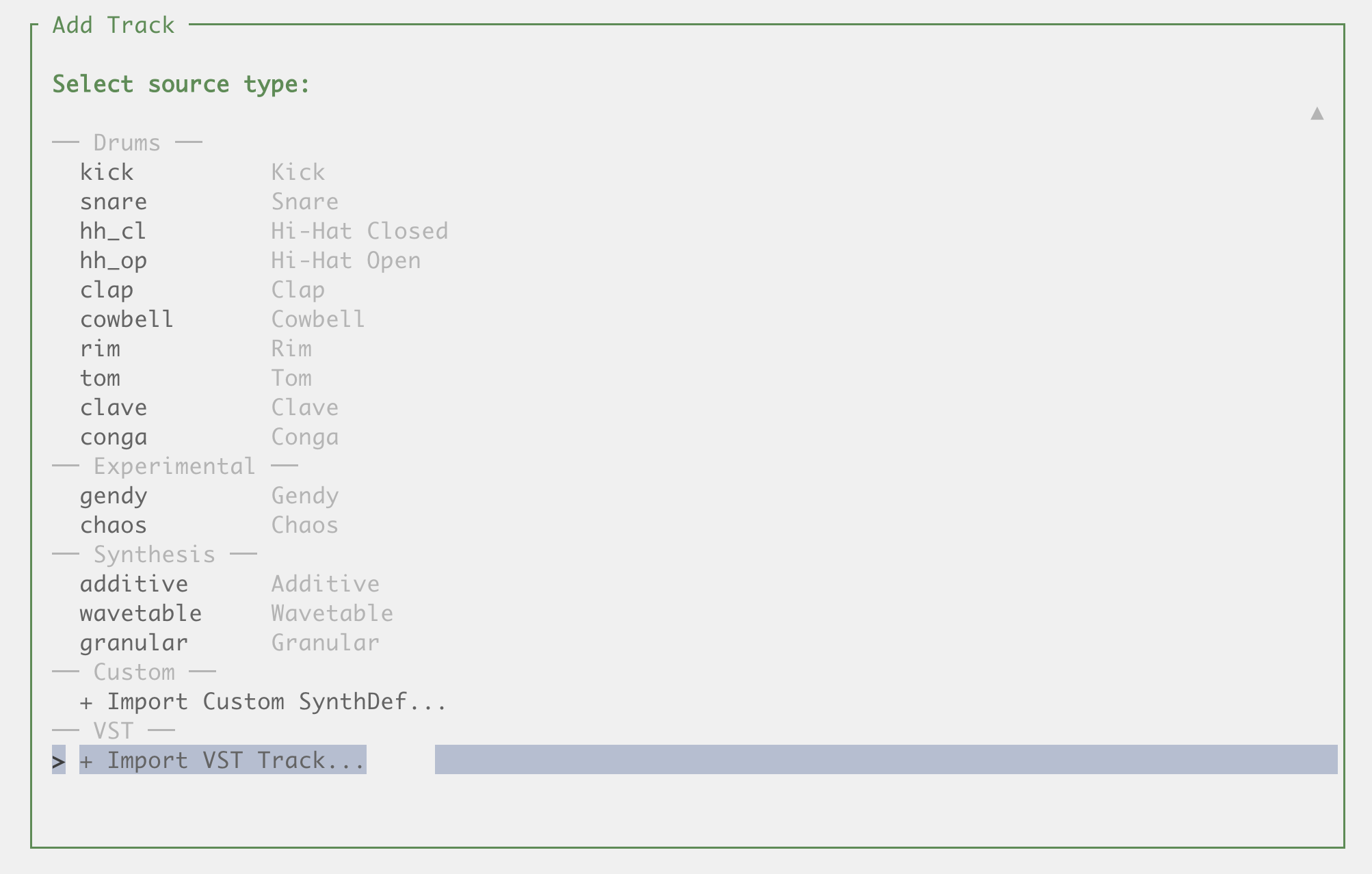
- 58 built-in instruments — oscillators, FM synthesis, physical models, drums, classic synths, samplers, and more
- 39 built-in effects — delays, reverbs, compressors, modulation, distortion, granular, spectral, and more
- Semi-modular signal chain — per-track source → LFO → effects → EQ → mixer with bus routing
- Powered by SuperCollider — professional-grade DSP with custom synthdefs
Sequencing
- Piano roll and drum sequencer — per-note velocity and probability, variable grid resolution, per-pad groove and humanize
- Automation — automate any parameter with drawable lanes
- Arpeggiator — arpeggiate chords with configurable patterns
Studio
- Mixer with up to 128 buses — per-track levels, pan, mute/solo, sends, and master control
- Real-time LAN collaboration — multiple players on a shared session over your local network
- Record and export — capture your session and export to WAV
- SQLite project files — plain databases you can query, edit, and share
Does your DAW have
- Stradella bass keyboard — full accordion layout with automatic chord voicing across a circle-of-fifths grid
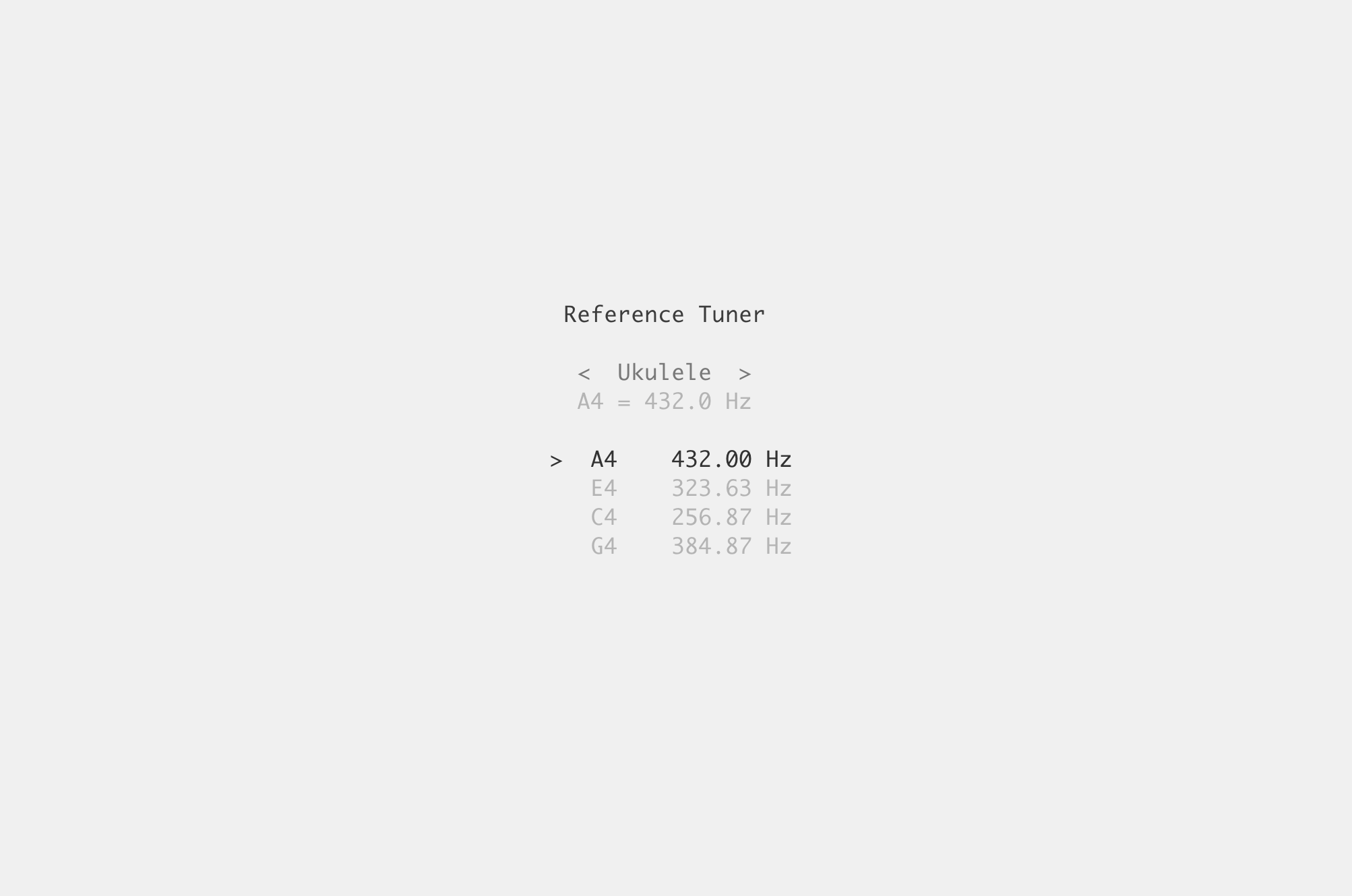
- Just intonation — 5 tuning systems with 3 JI flavors (5-limit, 7-limit, Pythagorean)
- Generative composition — Euclidean rhythms, Markov chains, and L-systems with macro controls for density, chaos, energy, and motion
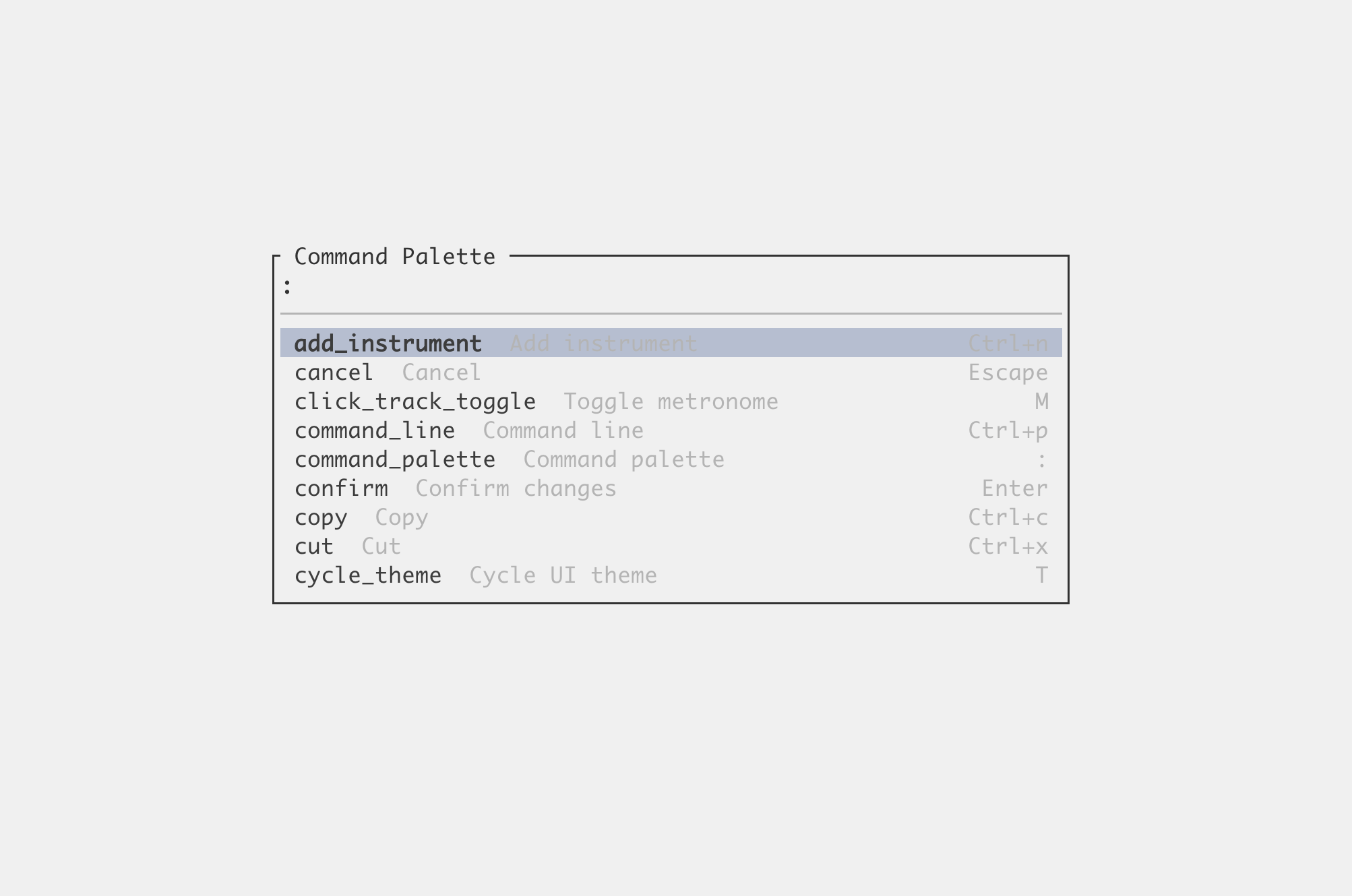
- Full text-mode REPL with 236 commands — screen-reader friendly, scriptable, works over SSH
Screenshots
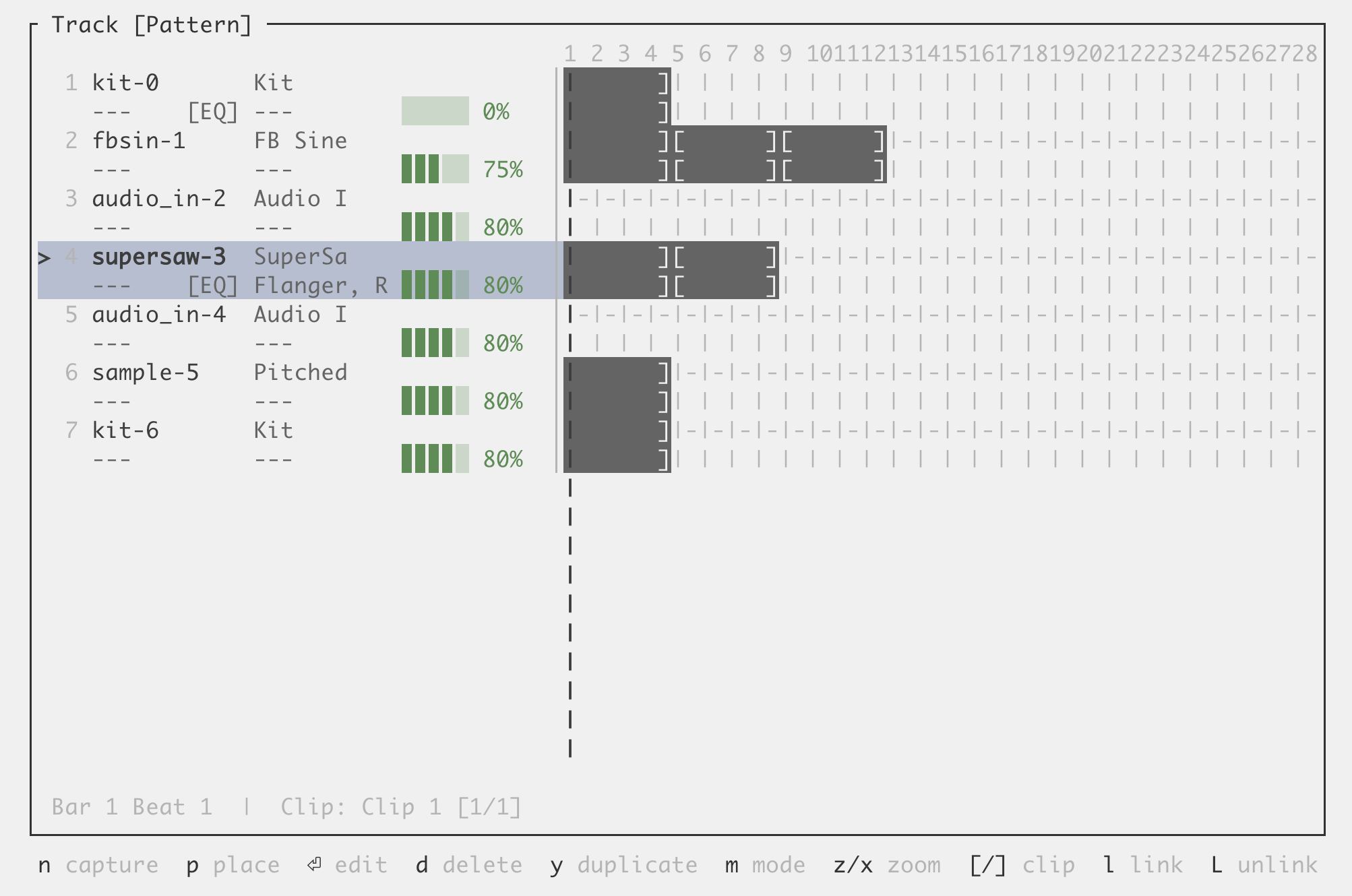
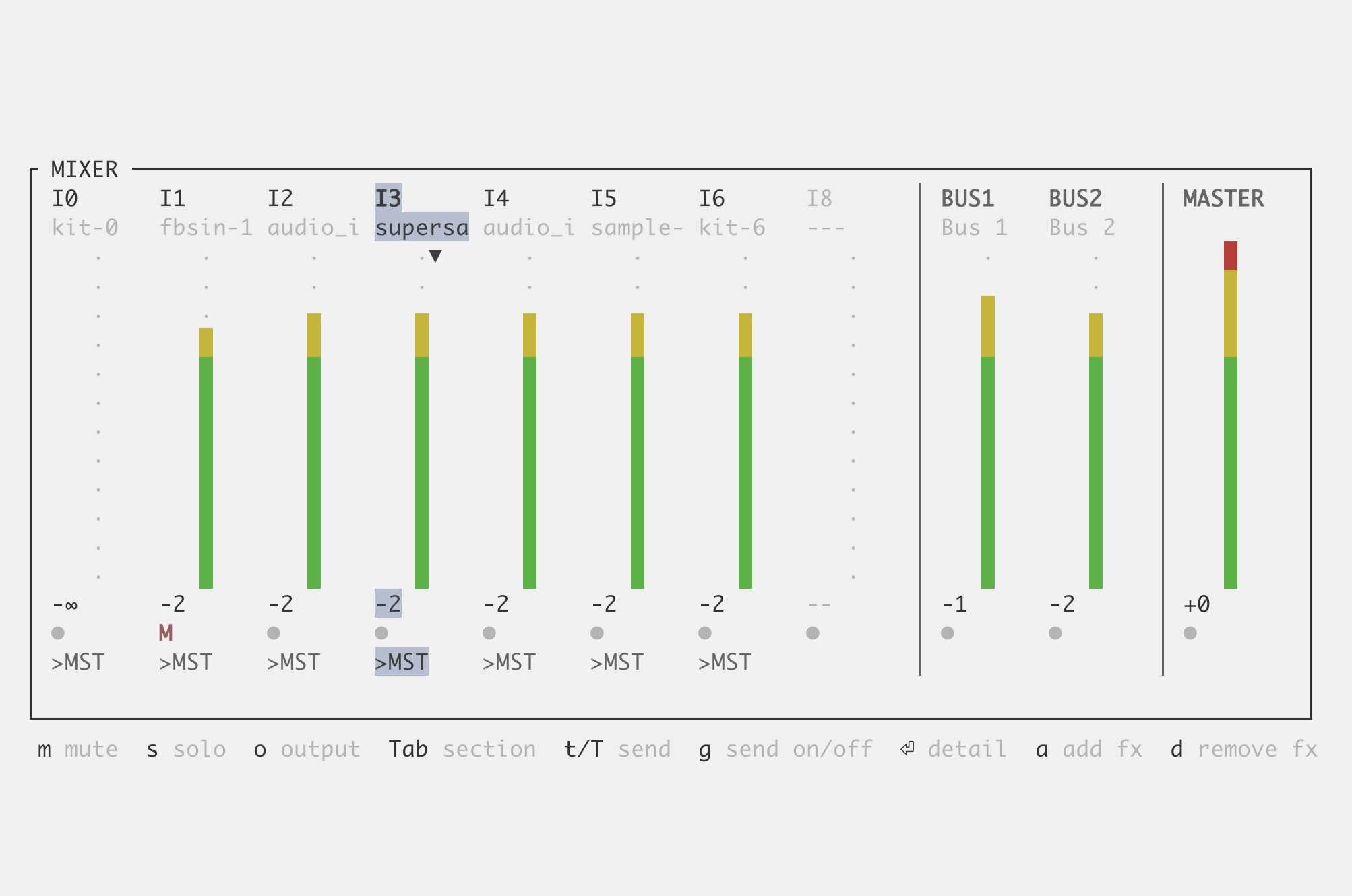
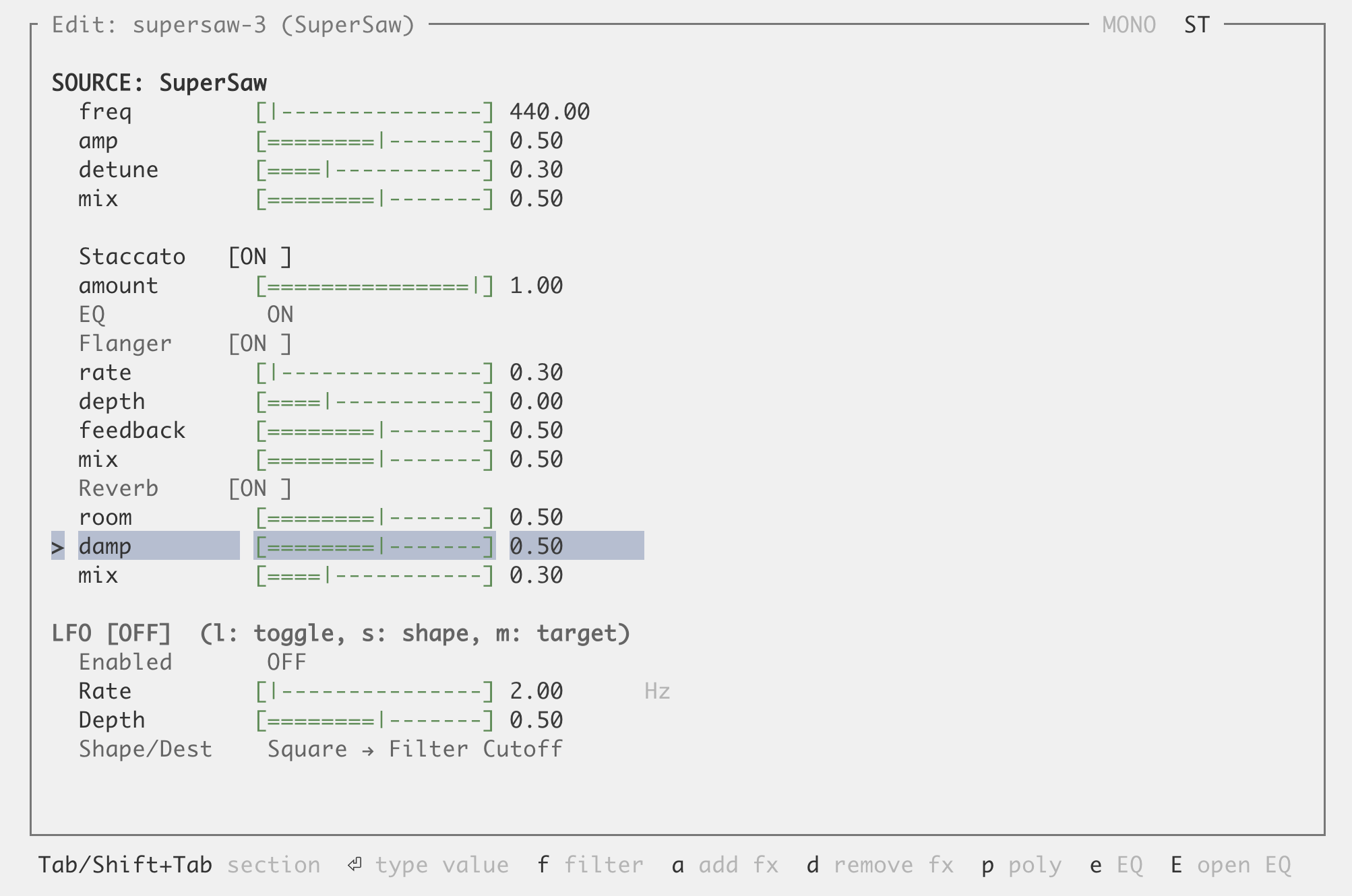
Quick Start
- Install Rust and SuperCollider (
scsynthmust be on your PATH) - Compile SynthDefs:
imbolc-core/bin/compile-synthdefs - Run:
cargo run -p imbolc-ui --release
Works in any modern terminal. For the best experience (enhanced piano keyboard), use Kitty or Ghostty.
Support Imbolc
Imbolc is built by one person, in the open, with no venture capital or corporate backing. If it's useful to you, sponsorship helps keep development going.